ScanJunki is a free eBay barcode scanner app for resellers. You point your phone camera at any barcode and it shows you what that item actually sells for on eBay, how fast it sells, and the profit you would make after eBay fees, VAT and postage. It is built by SCANJUNKI LTD, a company I own, and it runs on iPhone, Android and in a web browser. There is no subscription and no card needed.
Why did I build an eBay scanner app?
Because I spent years working it out by hand. Standing in a shop, opening the eBay app, searching the product, filtering to sold listings, then guessing the fees. Every reseller does the same dance. ScanJunki does the whole thing in one scan, using the real fee structure for the category and marketplace, so the profit figure is the one you would actually see in your eBay account.
What does ScanJunki show you when you scan?
- Real sold prices for that product on eBay, not asking prices
- Sell through rate, so you know whether it moves or sits
- Net profit after eBay fees, VAT and shipping, worked out per category
- A verdict on whether it is worth buying at the price in front of you
- A scan history and sourcing lists so you can go back to the good finds
Is ScanJunki free?
Yes. The app is free on the App Store and Google Play with no in app purchases, and the web version is free with no card required. There is also a free eBay fees calculator on the website at scanjunki.com/ebay-fees that anyone can use without signing up.
Which countries does ScanJunki work in?
It pulls live data for eBay UK, US, Germany, Australia, France and Canada, so it works for UK resellers and for people flipping in the other big eBay markets.
Who is ScanJunki for?
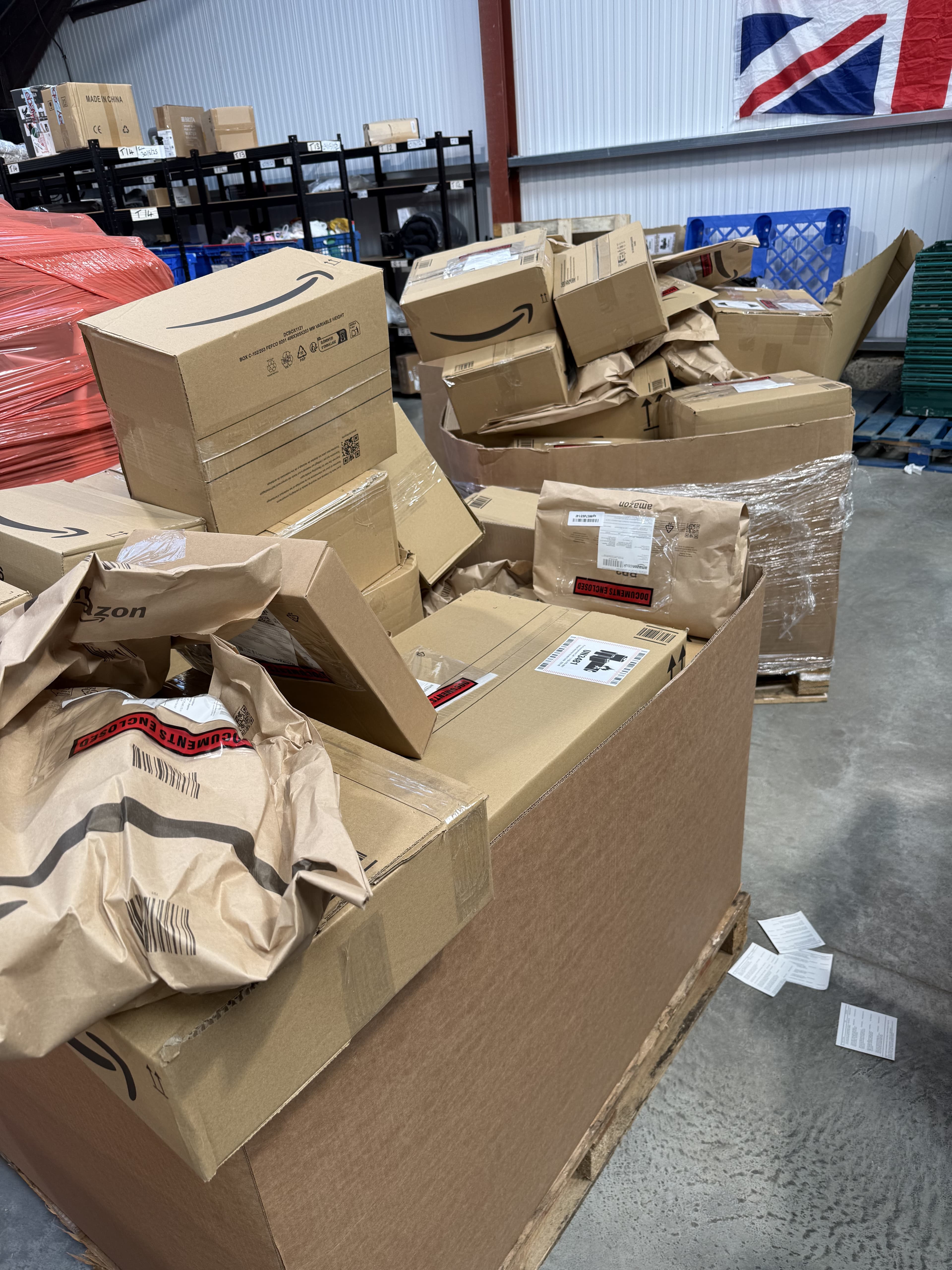
Anyone who buys stock to resell on eBay. Car booters, charity shop flippers, retail arbitrage buyers clearing supermarket reductions, and people like me buying returns and liquidation pallets who want to check a few key items before committing to a lot.
Where do I get it?
- iPhone and iPad: search Scan Junki on the App Store, or go to https://apps.apple.com/gb/app/scan-junki-the-ebay-scanner/id6786083457
- Android: https://play.google.com/store/apps/details?id=com.scanjunki.app
- Web and the desktop Seller Suite: https://scanjunki.com
If you use it and it saves you from a bad buy, tell me on TikTok. That is the whole point of it.